Add decoration bars to glass
What this does
Adds glazing bars — Georgian, colonial or lattice patterns — inside a glass panel, so the drawing, the price and the shop paperwork all agree on a decorative element that is easy to forget.
Bars are cheap to draw and expensive to omit: they change the glass order, the cutting and the appearance the customer signed off.
Before you start
- The frame drawn and divided, with the glass panels in place. Bars live inside a panel, so the panel must exist first.
- The pattern the customer actually agreed, from the elevation or the specification.
- Know whether the bars are applied to the glass surface or built into the unit — it changes what is ordered.
Steps
-
01
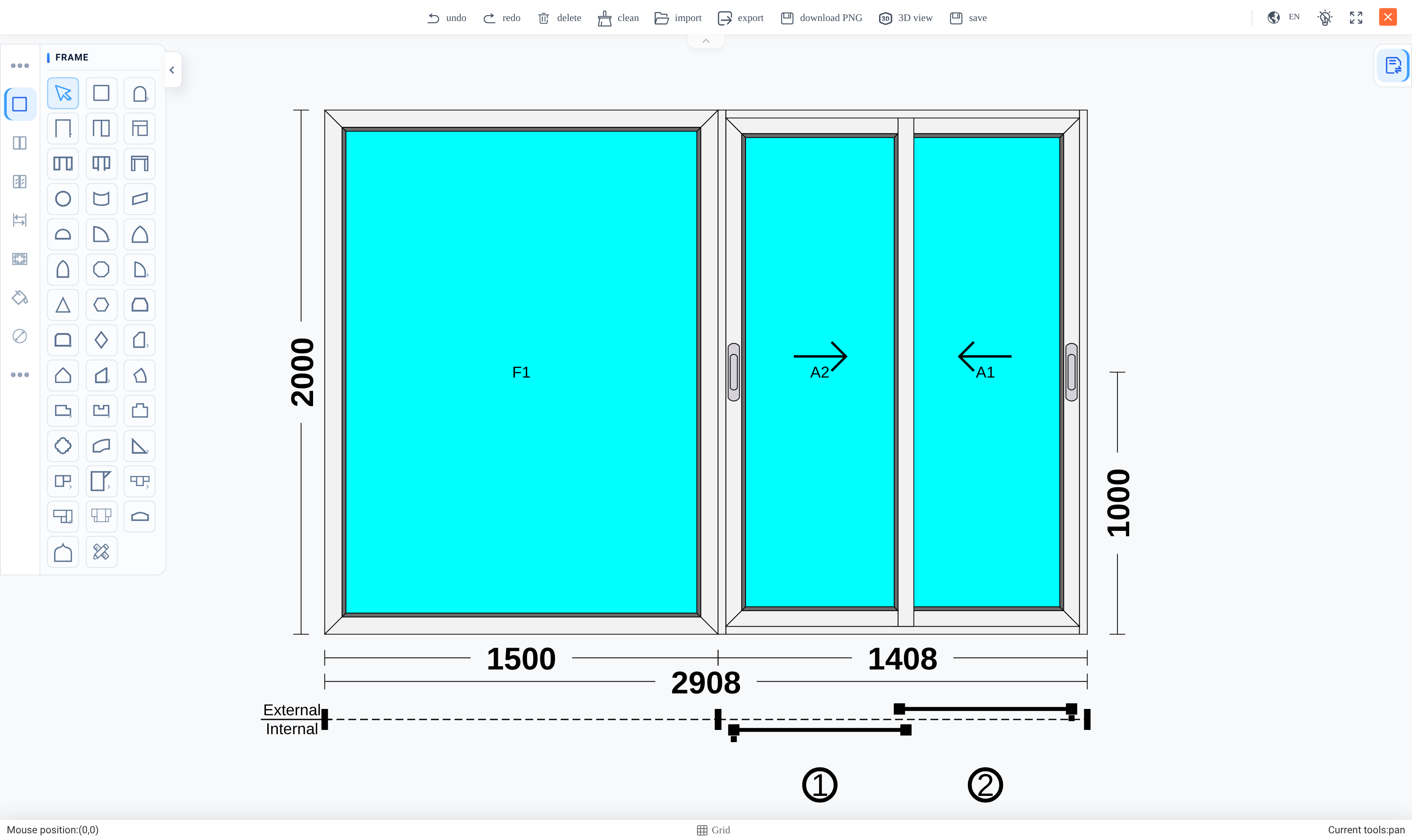
Open the design and select the glass panel to decorate.
-
02
Choose the bar pattern.
-
03
Set the divisions — how many horizontal and vertical bars.
-
04
Set the bar profile and finish so they match the frame.
-
05
Save, then re-run the design analysis.
-
06
Check the analysis lists the bars, and check the drawing shows them where the customer expects.
Bars belong to a panel, not to the frame
A decoration bar is a property of one glass panel. A frame with three panels can carry a different pattern in each, and adding bars to one leaves the others untouched.
That is why they must be set after the frame is divided. Adding a division afterwards re-derives the panels, and bars set on a panel that no longer exists in the same shape have to be set again.
It is also why "the window has Georgian bars" is not enough instruction for a designer. Which panels, and how many divisions in each, is the specification.
Getting them onto the paperwork
Bars only reach the cutting list and the price through the analysis. Draw them and stop, and the drawing shows bars the factory never hears about.
So re-run the analysis after adding them, and confirm they appear in the result. The check is quick and the failure is expensive — glass ordered without bars is glass ordered again.
Check the drawing against the elevation before the quotation goes out. A bar pattern is the kind of detail a customer notices immediately on site and never notices on a quotation.
Troubleshooting
| Bars do not appear in the analysis | The analysis was not re-run after they were added. It is a snapshot. |
|---|---|
| Bars vanished after editing the frame | A division changed and the panels were re-derived. Set them again on the new panels. |
| The pattern is on the wrong panel | Bars belong to the panel that was selected. Select the intended one and set them there. |
| The drawing shows bars but the price did not change | Same cause as the first row — the analysis is what feeds pricing. |
| The bar finish does not match the frame | The bar profile and finish are set separately; they do not inherit from the frame. |
| The customer expected a different layout | The number of divisions is part of the specification, not a default. Confirm against the elevation. |
Common mistakes
- Drawing bars and not re-running the analysis, so the factory never sees them.
- Adding a frame division after the bars and not checking they survived.
- Treating "Georgian bars" as a complete instruction without agreeing the divisions.
- Leaving the bar finish at its default so it does not match the frame.
- Assuming bars are decorative only and do not affect what glass is ordered.
Was this article helpful?
Thanks — your feedback helps.
Running a window or door factory?
Ask for a demo