Build the warehouse
Choose how goods come in and go out
Why this step
Decide whether material is received straight onto the shelf or checked in a receiving area first, and whether orders are picked, packed and shipped or simply handed over. This one decision shapes every transfer after it.
What this does
Decides how many stops goods make on the way in and on the way out. One setting for receipts, one for deliveries, both on the warehouse.
The choice is a trade-off, not a maturity level. More steps mean more control and more scanning; fewer mean less paperwork and less traceability. A small fabricator with one storeman is usually right to stay on one step.
Before you start
- Administrator rights on Inventory ▸ Configuration ▸ Warehouses.
- Decide before there are transfers in flight. Changing the mode mid-flow leaves half-finished transfers pointing at locations the new mode no longer uses.
- Two- and three-step modes need Multi-Step Routes switched on in Inventory settings.
Steps
-
01
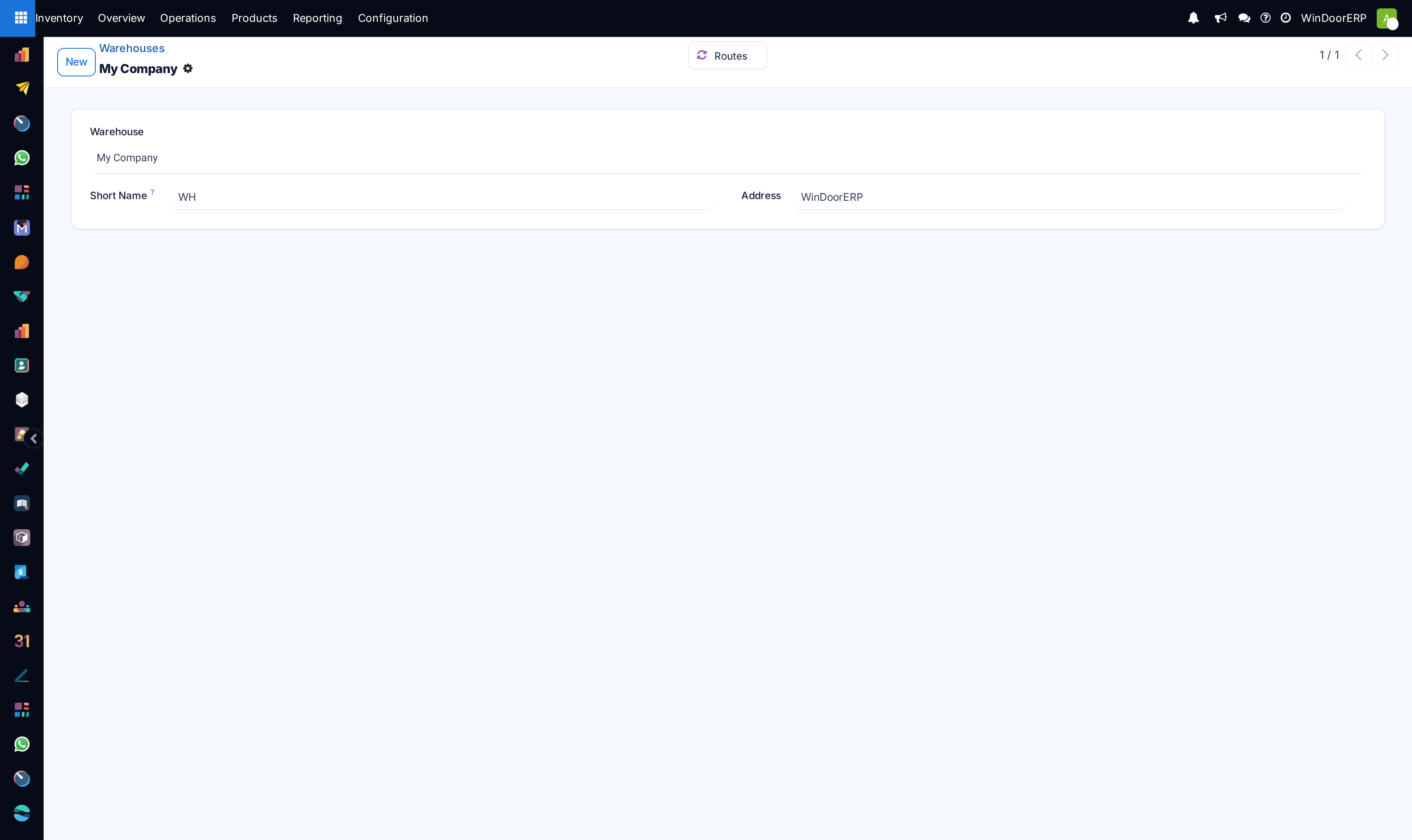
Open Inventory ▸ Configuration ▸ Warehouses and open the warehouse.
-
02
Set Incoming Shipments to the number of stops a receipt should make.
-
03
Set Outgoing Shipments to the number of stops a delivery should make.
-
04
Save. WindoorERP creates the locations and operation types the chosen modes need.
-
05
Run one receipt and one delivery end to end before letting the team loose on it.
The receipt options
| Receive and Store (1 step) | Goods arrive and are in stock. One transfer, one confirmation. Right when the person receiving is the person storing. |
|---|---|
| Receive then Store (2 steps) | Goods land in an input location, then a second transfer puts them away. Use it when receiving and putting away are different people or different times — a delivery dropped at the gate in the morning and racked in the afternoon. |
| Receive, Quality Control, then Store (3 steps) | Adds a quality control stop between the two. Use it where goods are genuinely inspected before acceptance — glass for edge damage, hardware against specification. |
The delivery options
| Deliver (1 step) | One transfer takes goods from stock to the customer. |
|---|---|
| Pick then Deliver (2 steps) | Someone picks the goods to an output area, and a separate step ships them. Useful when picking happens through the day and the van leaves once. |
| Pick, Pack, then Deliver (3 steps) | Adds a packing stop. Worth it where packing is real work — crating glass, bundling profiles per elevation. |
What changing the mode actually does
Each extra step is a real location and a real operation type. Moving to two-step receipts creates an input location and the transfer that empties it; three-step adds a quality control location as well.
Going back down does not remove them. The locations and operation types stay, because existing moves reference them, and the routes simply stop using them. Archive them once nothing is in flight.
The consequence people notice first: with more than one step, goods are not in stock the moment a receipt is validated. They are in input, and stock rises only when the put-away transfer is done. That is the mode working correctly.
Choosing well
Count the people, not the ambition. Every step is a transfer somebody must find and validate; an unvalidated step is stock that exists physically and not in the system, which is worse than one step done honestly.
Choose more steps when the stops are already real in the yard — a goods-in bay that is genuinely separate from the racks, an inspection someone genuinely performs. Modelling a step nobody performs produces a queue of transfers validated in batches days later, and figures nobody trusts.
You can also mix: two-step receipts with one-step delivery is a common and sensible combination.
Troubleshooting
| Only the 1-step options are offered | Multi-Step Routes is off in Inventory settings. |
|---|---|
| Stock did not rise after receiving | With two or three steps it rises at put-away, not at receipt. Look for the second transfer. |
| A queue of transfers nobody processes | The mode models a step the team does not actually perform. Reduce the steps rather than nag. |
| Old locations remain after simplifying | Deliberate — moves reference them. Archive once nothing is in flight. |
| Transfers stuck in an abandoned location | The mode changed while they were in flight. Finish them in the old flow, then archive the location. |
| The delivery has nothing to pick | Stock is still in input because the put-away step was never done. |
Common mistakes
- Choosing three steps because it sounds thorough, then validating all three at once at the end of the week.
- Changing the mode with transfers in flight.
- Expecting stock to be available immediately in a multi-step receipt.
- Modelling a quality control step where nobody inspects anything.
- Assuming going back to one step tidies up the locations. It does not.
Checkpoint
Incoming and Outgoing Shipments are set on the warehouse, and you can explain why you chose that number of steps.